
Pinned in this thread
Mobile operating systems include a feature that can lock or erase a phone remotely; the owner must turn it off and remove the phone from their accounts before selling.
The FTC tells sellers to remove the SIM card, unlink accounts and restore factory settings before giving up a phone.
A January 2026 FCC order said criminal networks use the proceeds from the theft of millions of smartphones to fund fraud and trafficking.
Buying a used phone in person gives you one big advantage: you can test it before you pay. Use that chance. The checks below take about ten minutes and catch most of the problems that turn a bargain into a paperweight.
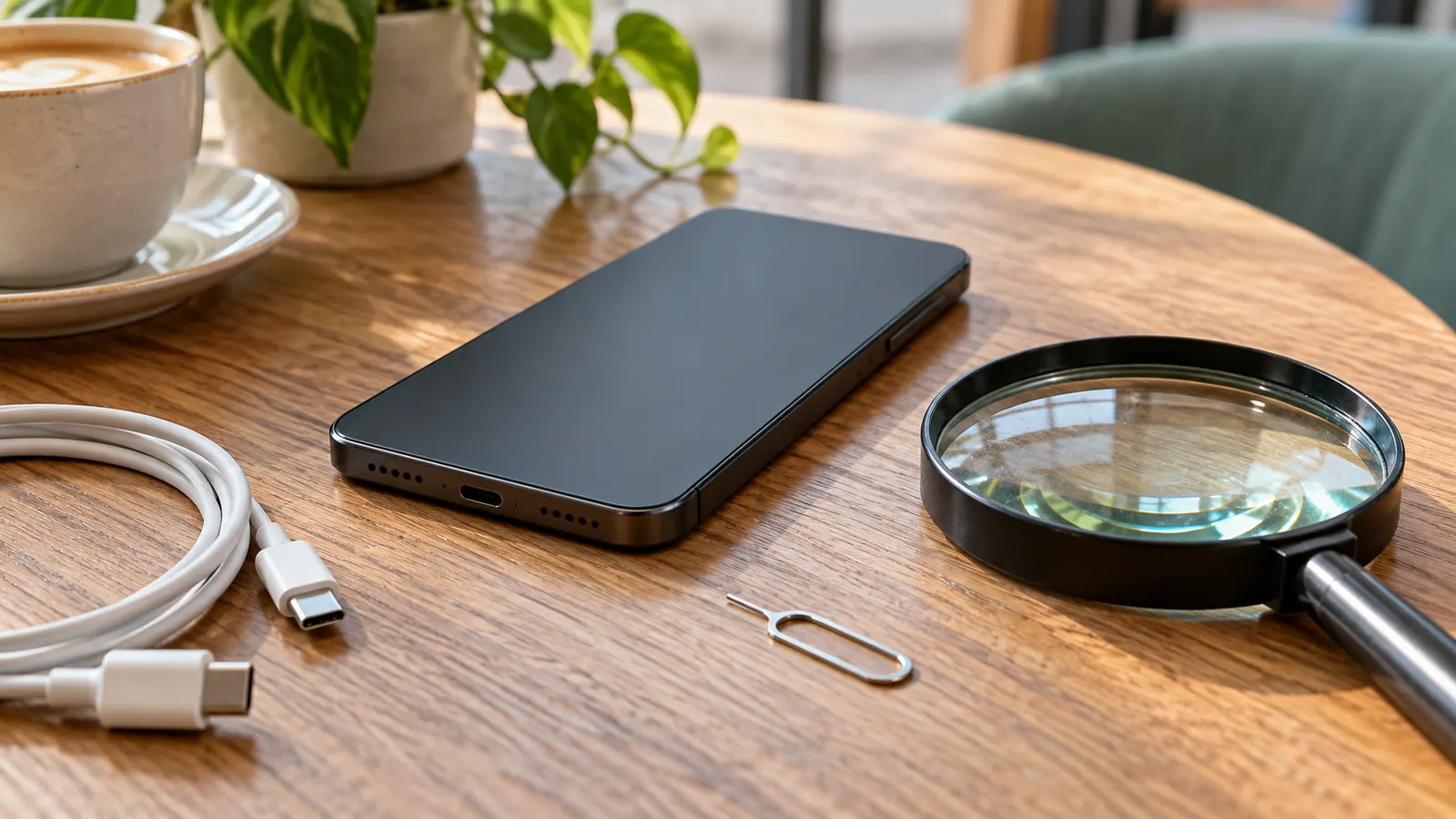
Before you meet
- Ask for the model, storage size, color and the exact carrier it was used on.
- Ask whether the phone is fully paid off and whether it is unlocked.
- Ask for photos of the actual phone, front and back, including any damage.
- Agree on a safe public meeting place with good light and a cellular signal. Bring your own SIM card and a charger cable.
Step 1: Accounts and activation
This is the most important check. The FTC tells people selling a phone to back it up, remove the SIM and memory cards, unlink the phone from their online accounts and restore it to factory settings. A phone that has not been through those steps may still be tied to the seller’s account.
Mobile operating systems include a feature that can find, lock or erase a phone remotely, and the FTC encourages owners to turn it on. That is good protection for the owner, but if the seller has not removed the phone from their account, the phone may refuse to set up for you after a reset.
- Ask the seller to sign out of all accounts and erase the phone while you watch.
- After the reset, start setup and make sure it reaches the point where you can sign in with your own account.
- If the seller refuses, or the phone asks for someone else’s password after a reset, do not buy it.
Step 2: Network
- Put your own SIM card in, or check that it can add an eSIM for your carrier.
- Make a call, send a text and load a web page using cellular data, not Wi-Fi.
- If the phone says the SIM is not supported, it is probably locked to another carrier. Read How Phone Unlocking Works: Postpaid, Prepaid and the Waiting Period before you go any further.
Step 3: Hardware
| Part | How to test |
|---|---|
| Screen | Open a white page and a dark page; look for dead spots, lines, discoloration and touch areas that do not respond |
| Glass and frame | Look at it under light at an angle for cracks, chips and bends |
| Cameras | Take a photo and a short video with every camera, front and back |
| Speakers and microphone | Record a voice memo and play it back; make a speakerphone call |
| Buttons and switches | Press each one; check volume, power and any side switch |
| Charging port | Plug in your cable and confirm it charges; wiggle gently |
| Wi-Fi and Bluetooth | Connect to a hotspot and to earbuds or a speaker |
| Biometrics | Set up fingerprint or face unlock and test it |
| Sensors | Rotate the screen; check that the display turns off near your ear on a call |
Step 4: Battery
Many phones show battery health or maximum capacity in their settings. A battery that has lost a lot of capacity will need replacing soon, so factor that cost into your offer. Watch for a phone that gets unusually hot while charging or a case that bulges; a swollen lithium-ion battery is a safety problem, not just a performance one.
Step 5: Signs of water or major repair
Look for corrosion in the charging port and SIM tray, condensation under the glass and screws or seams that look disturbed. A phone that has been repaired is not necessarily a bad buy, but you should know what was done; see Refurbished Phones Explained: What the Word Does and Doesn’t Mean.
Step 6: Paperwork
Ask for the original receipt or proof of purchase, especially for a recent model. Note the phone’s serial number or IMEI from its settings and compare it with the number printed on the SIM tray or box, if there is one. A mismatch is a red flag.
Tip: Before you pay, ask the carrier you plan to use whether this model works on its network, and keep the serial number and the seller’s details in case the phone later turns out to be a problem.
Warning signs that should end the deal
- The seller will not reset the phone in front of you.
- The phone asks for another person’s account after a reset.
- The price is far below what similar phones sell for. The FTC warns that an expensive item at a very low price might be fake.
- The seller wants payment by wire transfer or another method with no buyer protection.
- The seller cannot say which carrier the phone was used on or whether it is paid off.
Why theft is a real concern
Phone theft is not only a street crime; it feeds an organized resale trade. In a January 2026 order, the FCC’s Wireless Telecommunications Bureau wrote that criminal networks use the proceeds from the theft of millions of smartphones to fund fraud and trafficking at a global scale, and that many unlocked handsets are effectively stolen and resold on the black market. Buying a phone that cannot be activated, or that is later blocked, is the costly end of that chain. The checks above, especially the account reset, are your best defense.
After you buy
Set the phone up with a screen lock of at least six digits, turn on automatic updates and enable the find-and-erase feature, as the FTC recommends. Keep the seller’s contact details and the messages you exchanged. For the warranty side, see Warranties on Used and Refurbished Phones: What You Actually Get.